Three small changes that make Midway faster to use
In my previous blog post, I mentioned my goal to make it as easy as possible to find a destination. To get there, I need to remove as much friction as possible between someone visiting Midway and the “aha” moment — when they actually see results and understand what the tool does.
Since Midway isn’t a tool you’d use every day, the first visit can feel cold: just an empty form staring back at you. Maybe you heard about Midway and want to try it, even without a concrete trip in mind. So I’ve made a few changes to get you to results faster.
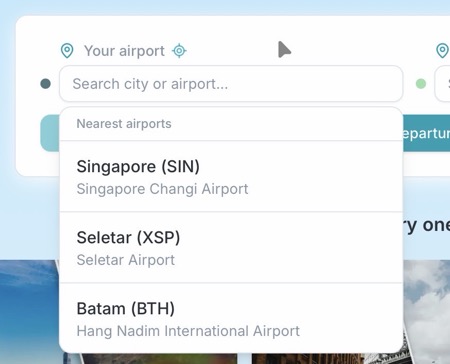
First, you can now geolocate yourself to find nearby airports — no need to type a name or code.
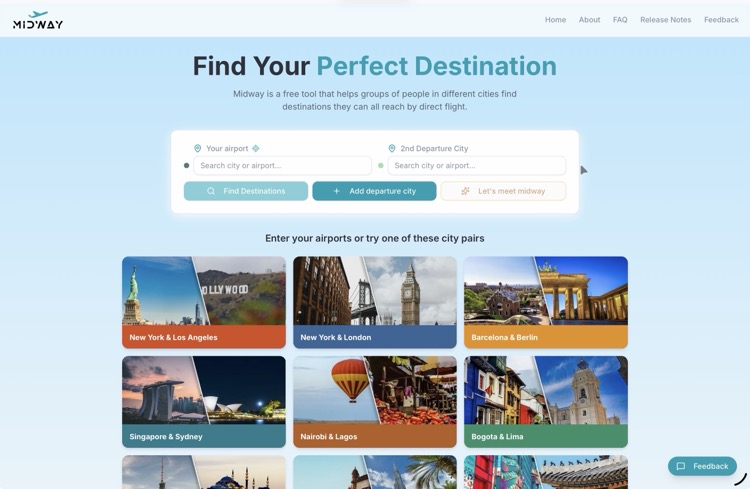
Second, the homepage now features 9 city pairs that, when clicked, auto-populate the form and immediately show common destinations. It’s the fastest way to see what Midway does.
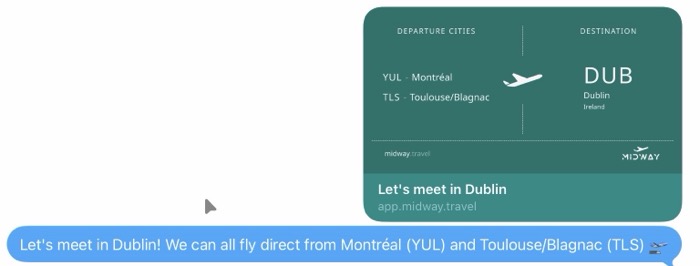
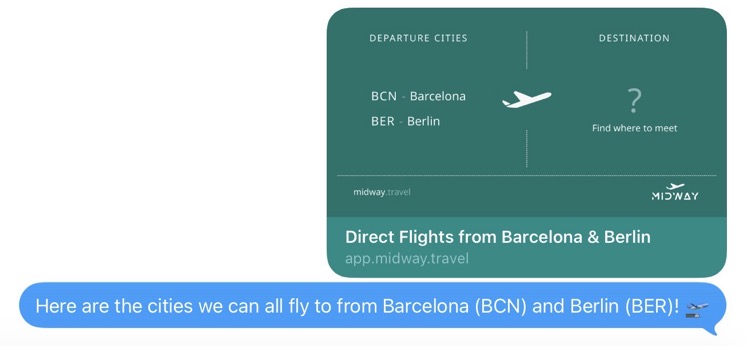
Third, I added sharing to the map, table, and destination cards. When you share a link, the preview card shows the destination details, and the recipient lands directly on the results, no setup needed on their end.